How it works
How it works, step by step
From ordering to the last RSVP in eight steps. You choose and send us your photos and details, we build the rest.
How long it takes
Right after payment
Your confirmation email, with the link for your details and photos
Within 24 hours
The first draft
Within 48 hours
Ready to send
How quickly it is ready also depends on when your details reach us. With the Express extra, it is ready the same day when you order by 6 pm.
Step 1: Choose a style
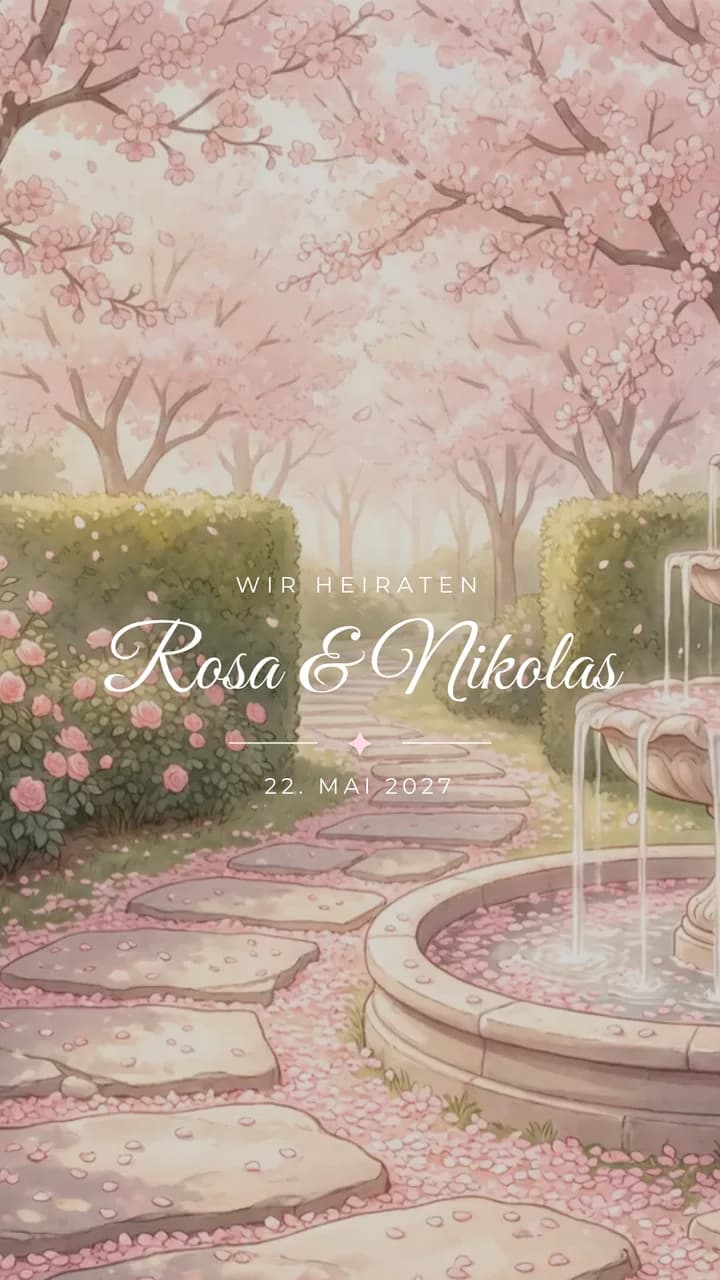
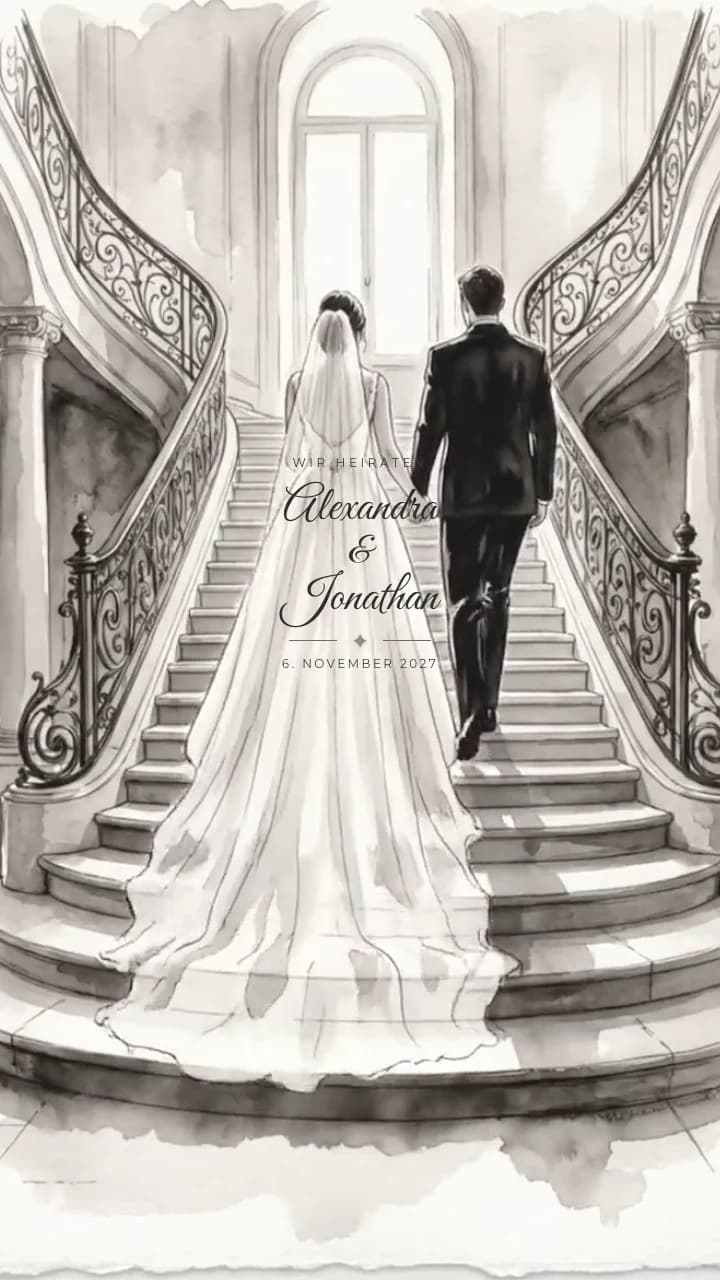
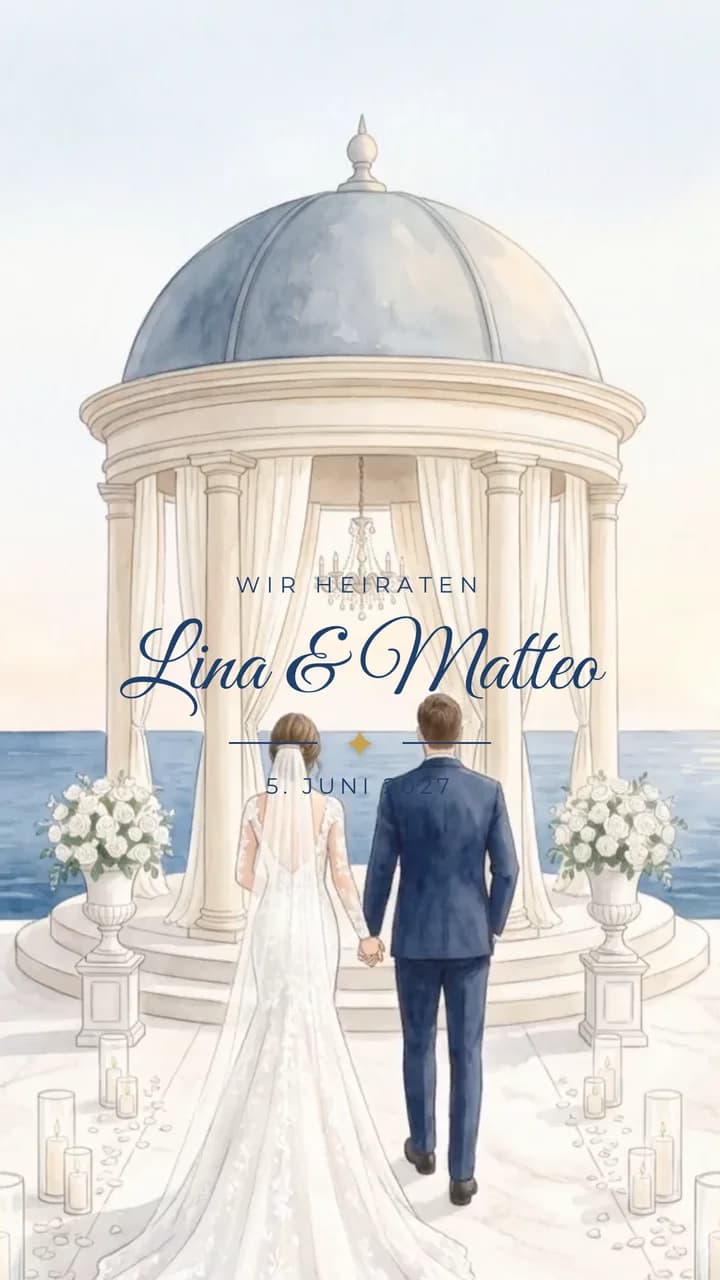
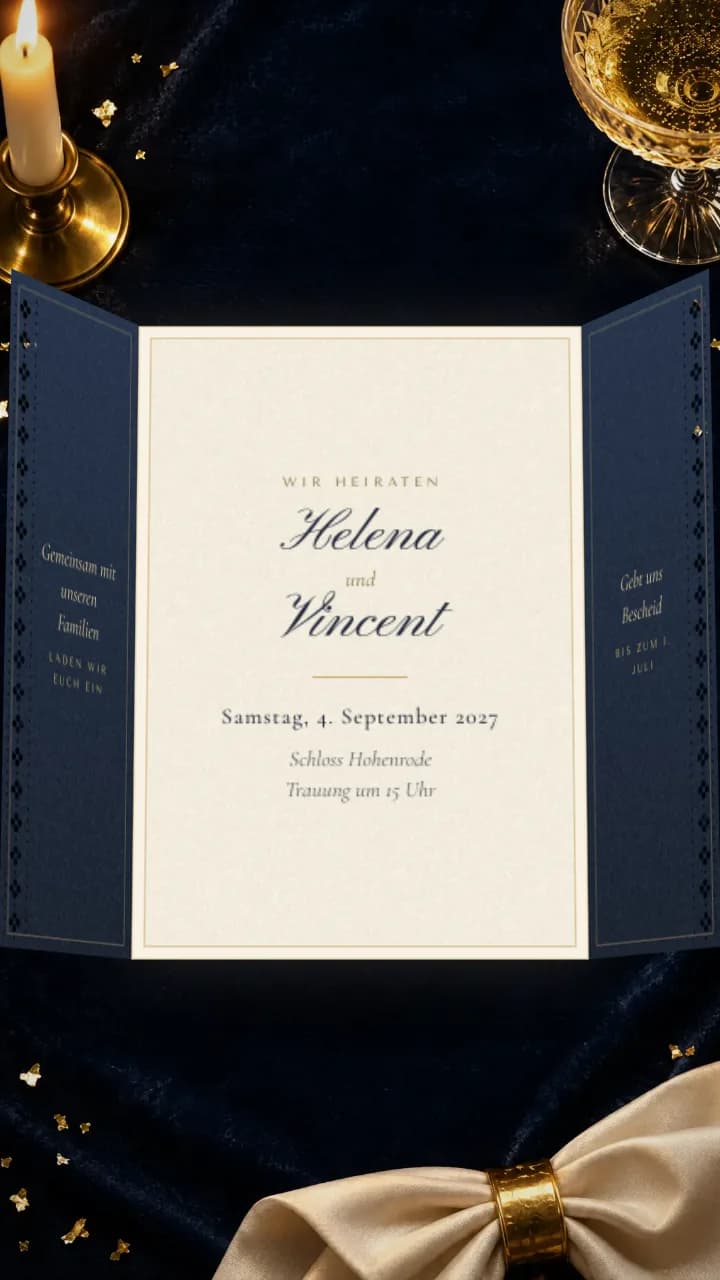
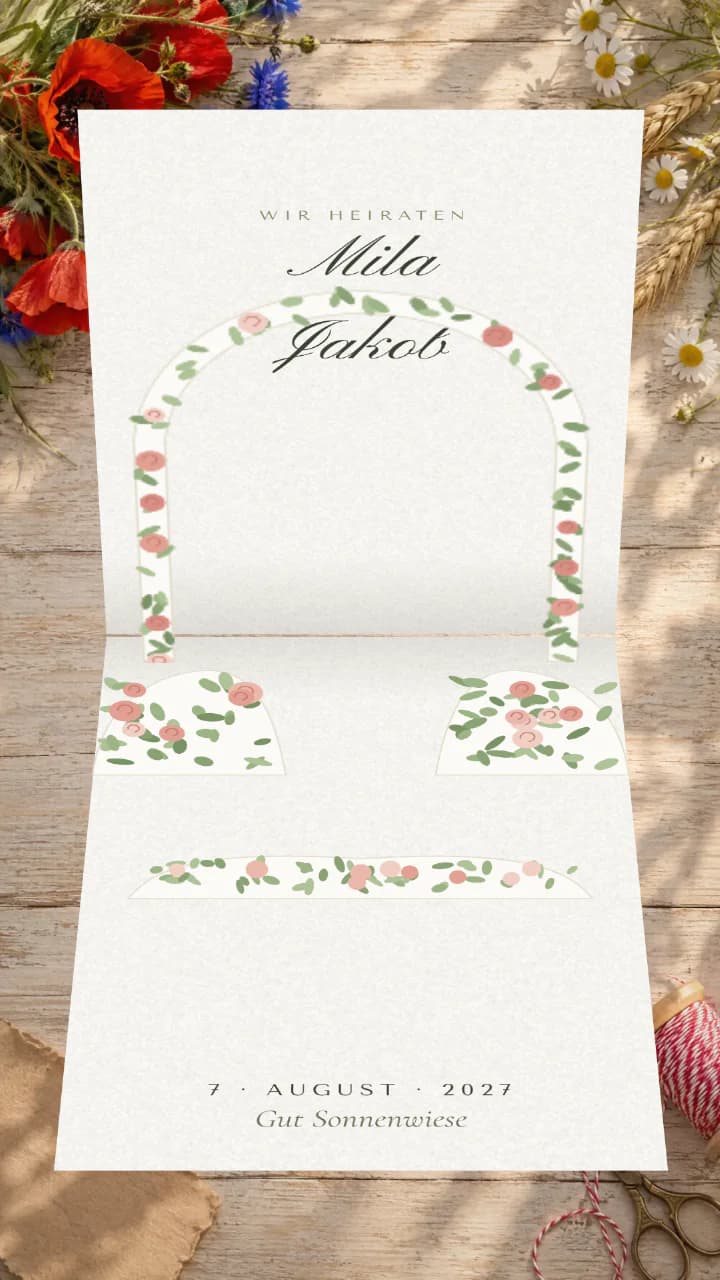
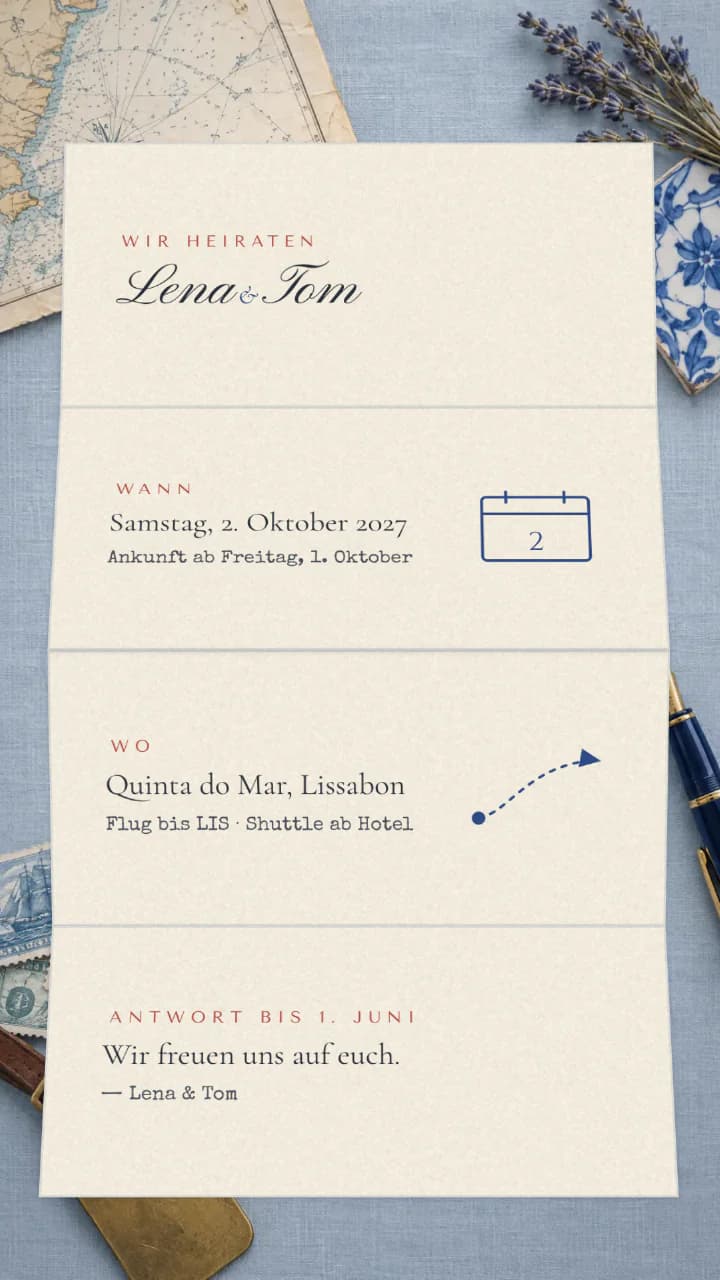
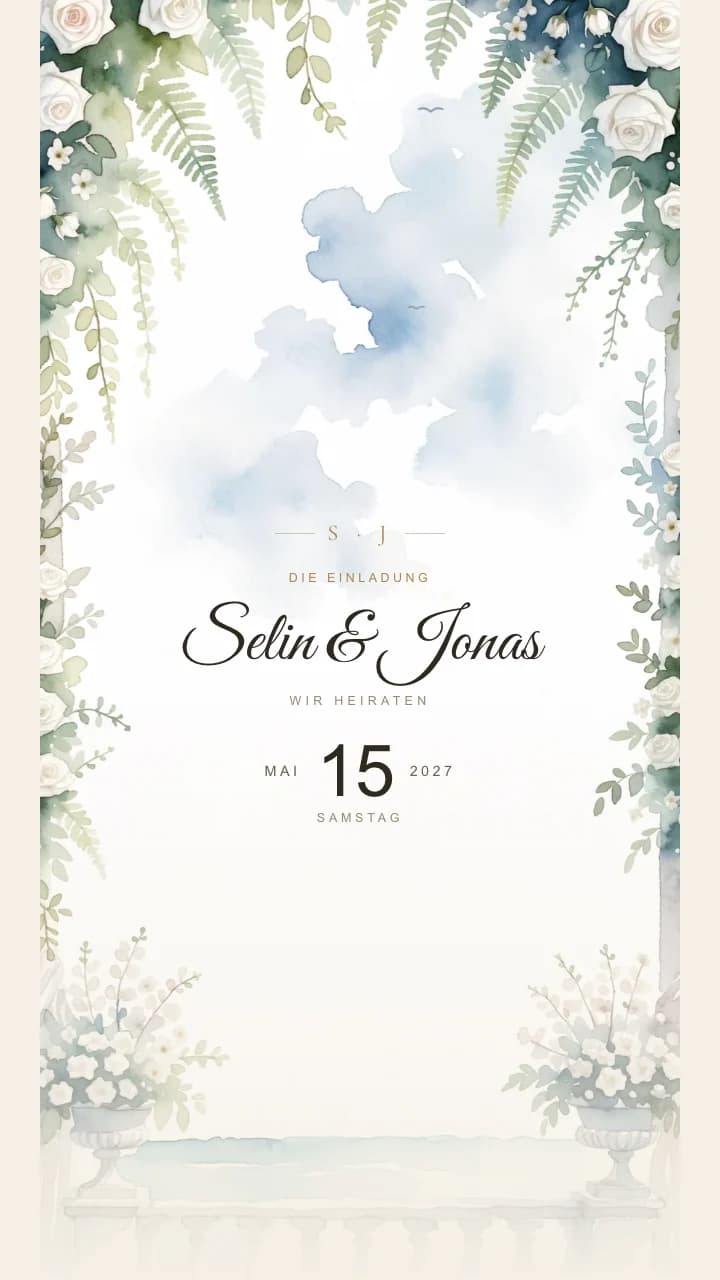
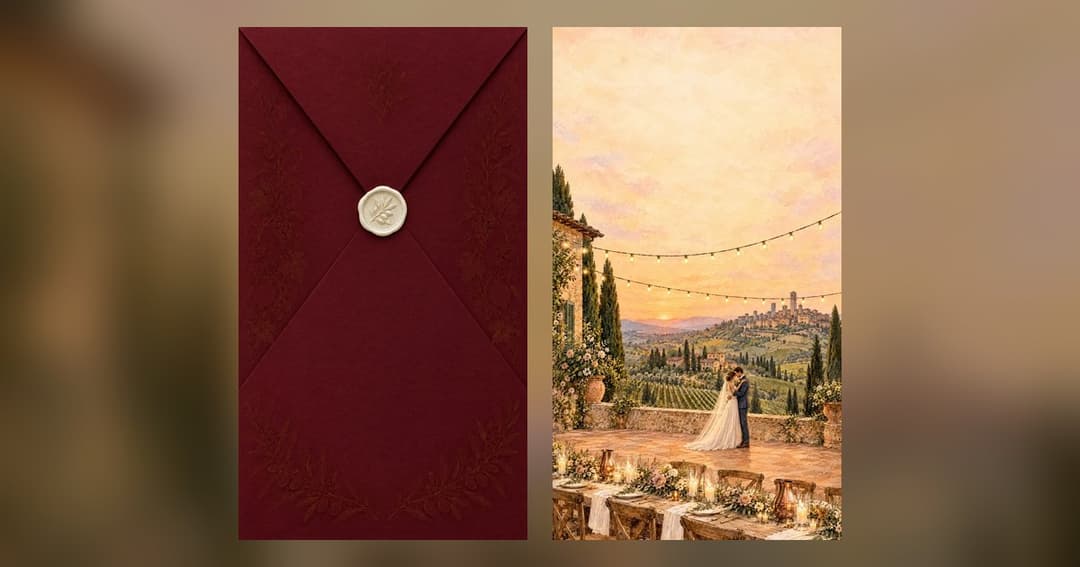
There are 18 templates to choose from, from a wax seal to a velvet curtain. You can open each one as a live demo, just as your guests will see it later. Afterwards we adapt the colours and fonts to you.
See all templatesStep 2: Put it together and pay
In the configurator you choose your package, style and extras, with the total always shown at the top. You pay once, with no fee per guest. Payment is due when you order, and the invoice arrives by email.
Step 3: Send your photos and details
Your confirmation email arrives right after. It contains a link to a page where you enter everything that goes on the invitation: names, time, venue, running order, directions, dress code and more. There you also upload up to 12 photos, straight from your phone. You do not need to crop anything, and you can save at any time.
Step 4: The first draft
You get the first draft within 24 hours of your order. You open it on your phone and see it just as your guests will see it later.
Step 5: Adjusted until it is right
If something is not right, tell us. Photo, colours, fonts, wording: we adjust it at no extra cost until everything is right. The template’s design stays, as does the finished opening scene of Curtain, Maison, Tuscany and Riad. With Cinematic we design entirely to your wishes.
Step 6: Send it on WhatsApp
Once everything is right, you get your link and a QR code. You send the link on WhatsApp to the family group or to each guest. Anyone who taps it sees the invitation in their browser, with no app and no sign-in. You can print the QR code on a few cards for guests without a smartphone.
Try it: the code opens the Tuscany templateStep 7: Guests reply
Your guests tap “We are coming”, say how many they are and write you a few words. Every reply appears straight away in your guest list in ETERNA, with the number of people and the message. The list is also available as a spreadsheet for Excel.
There you can also change the running order, directions, dress code and accommodation yourselves, even after sending. Your guests see the new version the next time they open it.
ETERNA is free on the App Store and Google Play. Rather not use an app? Write to us and we will change it for you. The app is currently available in German only.
Step 8: After the celebration
The link stays online until one year after your wedding. If you want the photo gallery to stay longer, you can extend it. We delete your guests’ replies 90 days after the wedding, based on the date entered in ETERNA. If you still need the guest list after that, download it as a spreadsheet beforehand.












What we promise
- First draft within 24 hours
- Ready in 48 hours
- Wording, colours and photos adjusted until everything is right
- 14-day right of withdrawal
You change the running order, directions, dress code and accommodation yourselves in ETERNA, even after sending. ETERNA is free for iPhone and Android. Rather not use an app? Write to us and we will change it. The app is currently available in German only.
Put your invitation together
You choose package, style and extras in a few steps. You see the total before you order.